

Spotting an AI-generated photo or video before you share it
Simple checks that catch many fake images and deepfake clips before they mislead you or someone else.
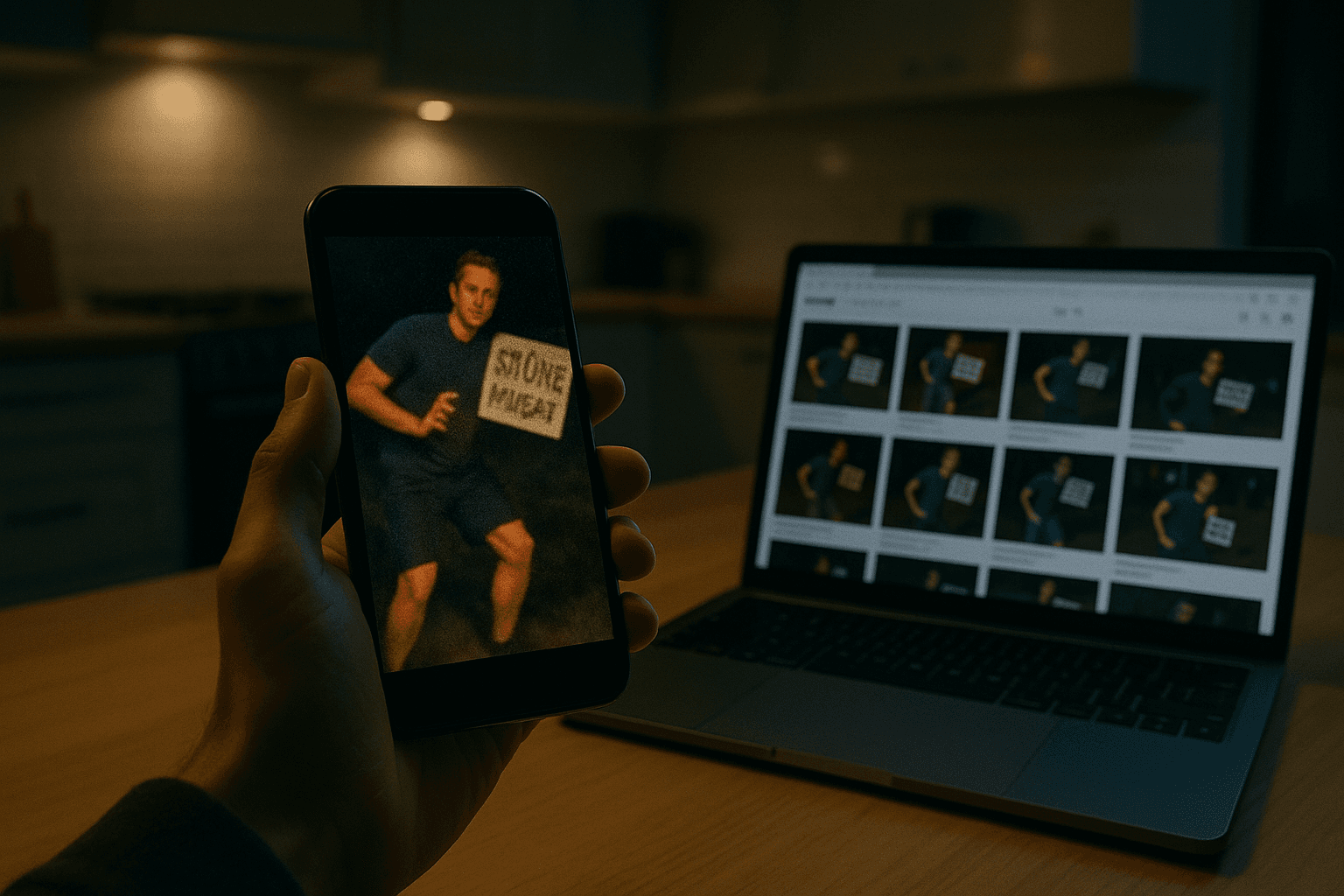
Key takeaways
- A quick reverse image search can expose many fake or recycled images before you share them.
- Check small details like hands, text, shadows, reflections, textures, and perspective.
- For video, inspect both the picture and the audio for deepfake artefacts.
- Look for trustworthy sources, other angles, and matching outside facts such as weather.
- If you cannot verify a photo or video, do not share it.
Why this matters to you
Your 2-minute quick win
Before you share any surprising photo or video, stop and run a reverse image search. In your search engine, choose the image search option, upload the picture or paste its link, and look for older copies, similar versions, and the sites that first published it. You have done it right when you can name the original source, or when you spot that the same image appears on weak, copycat, or unrelated pages.
AI image and video tools are now easy to use. The German Federal Office for Information Security, or BSI, notes that tools such as DALL-E, Stable Diffusion, Midjourney, and Flux can create pictures that are sometimes hard to tell apart from real photos.
That matters because fake media is no longer only a prank. BSI warns that AI-made images can support fake shops, disinformation campaigns, fake social profiles, and social engineering attacks.
Videos raise the risk even more. BSI explains that face swapping can replace one person’s face with another and copy the same facial expression and gestures in real time.
A quick glance is not enough anymore. The safer habit is simple: pause, zoom in, check the source, and only then decide whether to forward it.
Why fakes spread so easily
Most people see images on fast-moving feeds. They decide in seconds, often before they read the caption or check who posted it.
AI media is built to exploit that speed. A fake only needs to survive a brief look to get shared into family chats, local groups, or work channels.
BSI also says there is no known method today that reliably detects images from many generators. That is why your own judgment still matters.
What you are protecting
You are protecting your trust. If you share fake media often, friends and colleagues may stop trusting what you send.
You are protecting other people from being misled. A false image can shape opinions before anyone checks the facts.
You are protecting your money and accounts. BSI says AI-made people, voices, and videos can support social engineering, including pressure to reveal information, make payments, or install malware.
You are also protecting real people shown in fake content. Deepfakes can put a person into a scene, statement, or event that never happened and damage their reputation.
On a wider level, you are protecting the quality of public discussion. BSI lists disinformation campaigns as a real misuse case for deepfakes and AI-generated images.
What counts as a warning sign
The warning signs are often small, not dramatic. BSI highlights blurred details, distorted jewellery, odd accessories, broken reflections, impossible shadows, and strange background screens.
Hands are still worth checking. BSI calls errors in finger count, finger placement, and hand proportions a classic sign of AI-generated images.
Text inside an image is another good test. Signs, labels, and headlines may show blurry letters, bad spelling, odd colours, or proportions that do not fit.
In video, the danger is not only the picture. BSI says synthetic voices may sound metallic, overly flat, wrongly pronounced, delayed, or unlike the target person’s usual speaking style.
What it costs you if you skip this
The first cost is embarrassment. If you repost a fake and later delete it, screenshots may still exist.
The second cost is pressure on others. A family member might donate, panic, or change plans because of something you forwarded without checking.
The third cost can be direct fraud. BSI describes deepfake voice attacks that imitate a manager and push someone to make a payment, often called CEO fraud.
There is also a privacy cost. If a fake profile looks real enough, you may reveal personal details to someone who does not exist.
At work, the cost can rise fast. One convincing fake clip or voice note can create urgency, bypass normal checks, and lead to a bad transfer, leaked data, or malware installation.
Even when no crime follows, fake media wastes time. People spend energy arguing over events that never happened or hunting for context that does not exist.
The hidden cost of speed
The risky moment is usually the first minute. If a post makes you angry, shocked, or eager to warn others, that emotion is part of the attack surface.
Social engineering works by pushing trust, fear, respect for authority, or helpfulness. BSI names all of these as traits attackers can exploit.
That is why a small delay helps. Ten calm checks beat one fast reaction.
Step by step
Open the post and look at the account name, not just the picture. Check whether the account is a known news outlet, an established organisation, or just a random social profile, and treat weak or unknown sources with extra caution. Done correctly, you can clearly say where the media came from and whether the source looks trustworthy.
Stop on the single frame that looks most important and zoom in. Look closely at hands, teeth, eyes, ears, hairline, jewellery, accessories, and screens in the background because BSI lists these as common failure points. Done correctly, you either find no obvious defect or you can point to a specific error, such as extra fingers or blurred text.
Check the lighting across the whole image. Compare shadows, shiny surfaces, and reflections, because BSI says inconsistent shadow direction or only partial reflections can reveal AI generation. Done correctly, the light behaves the same way across people, objects, and the room around them.
Scan the edges where one object overlaps another. Pay attention to ceilings, decorations, tiles, road markings, and other repeating textures because abrupt breaks and unnatural pattern changes are common clues. Done correctly, textures continue naturally behind the foreground object instead of jumping or stopping oddly.
Test the basic physics of the scene. Check that objects are not floating, that water flows downward, and that body proportions look natural, because BSI highlights impossible physical behaviour and distorted geometry as strong signs. Done correctly, the scene follows everyday rules of gravity, size, and shape.
Look for the vanishing point in indoor floors, roads, table edges, or rows of tiles. If lines that should meet toward one horizon point seem to head to different points, the perspective may be false. Done correctly, the scene’s depth looks consistent instead of slightly wrong.
Read every visible word inside the image. Check signs, labels, captions, packaging, and newspaper text for spelling mistakes, fuzzy letters, strange spacing, or colour changes that do not fit. Done correctly, the text is legible and makes sense in the scene.
Run a reverse image search with the image file or the image link. Look for earlier uploads, close matches, and pages that used the same image in a different story, because BSI says this can show whether the picture is a variation of another image. Done correctly, you find either a credible original context or a mismatch that tells you not to trust the post.
Search for more coverage of the same event. BSI notes that AI-generated images usually exist from one angle, while real events often have photos from several witnesses or journalists. Done correctly, you can find independent images or reports from different viewpoints, or you notice that only one dramatic image exists.
Compare the scene with outside facts. If the post names a place and time, check the weather for that region and moment, because BSI says a sunny scene that clashes with snow or rain records is a useful clue. Done correctly, the image matches the expected weather and context instead of contradicting them.
Check whether the platform shows a label such as AI-generated or any Content Credentials. BSI says Content Credentials can record origin details, creator information, creation date, used AI tools, and later changes, with cryptographic protection against tampering. Done correctly, you either see a clear provenance label or you note that no such evidence is present.
If it is a video, play it once with sound and once muted. On sound, listen for metallic tone, wrong pronunciation, flat emphasis, odd pauses, or delay; on mute, watch for blurred teeth, smeared eyes, limited facial movement, or visible seams around the face, which BSI lists as deepfake artefacts. Done correctly, voice and face move naturally together without those obvious faults.
Ask one final question before sharing: if this were fake, who would benefit? BSI advises questioning the motive behind the image instead of trusting your first impression. Done correctly, you can explain why the post deserves trust, or you decide not to forward it.
If doubts remain, do not share it. If you must respond, mark it clearly as possibly AI-generated or fake, because BSI recommends not spreading fake images unthinkingly even when the trick seems obvious. Done correctly, you stop the chain instead of adding your name to it.
Illustrative example
Lea is in a neighbourhood chat on a Sunday evening. Someone posts a dramatic photo that seems to show a local supermarket flooded, with a caption saying supplies are running out and everyone should stock up now.
Lea almost forwards it to her family. Instead, she pauses and starts with the source. The post comes from a social account she does not recognise, and the profile has little history.
She zooms in on the image. The shopping baskets near the entrance look normal at first, but one person’s hand has an odd finger shape, and a sign near the door has fuzzy letters that do not form clear words.
Next, she checks the reflections in the water. The doorway light reflects one way, but a nearby trolley seems to cast a shadow that does not fit the same direction.
She then looks at the floor tiles and the store shelves. The lines in the floor do not seem to head to one clean vanishing point, and a repeating pattern near the back wall breaks where a display stand covers part of it.
Lea runs a reverse image search. She finds visually similar images on several low-quality pages, but no trusted local source and no older post from the supermarket itself.
She searches for more views of the supposed flood. There are no photos from other customers, no local reports, and no fresh updates from the store.
Finally, she checks the weather and recent local conditions. Nothing suggests flooding that evening.
Lea returns to the chat and writes a short reply saying she cannot verify the image, it may be AI-generated, and people should wait for a trusted source before sharing it further. The chat slows down. A few minutes later, another neighbour confirms the store is open as normal.
The near-miss
Now replay the same moment with one skipped step. Lea sees the image, feels urgency, and forwards it before checking the source or running a reverse image search.
Her family starts planning a late shopping trip. One relative sends the image into a work group as a public warning. The post spreads because it looks believable on a small screen and no one notices the broken text or odd hand.
An hour later, people learn the image was not reliable. Lea cannot pull it back from every chat it reached, and her warning helped a false story travel faster.
How to check it worked
Your process worked if you now slow down automatically when a shocking image appears. The goal is not perfect detection every time. The goal is to catch enough warning signs that you stop most bad shares before they happen.
You should be able to point to concrete checks, not just a feeling. For example, you might say the fingers were wrong, the sign text was unreadable, the shadows clashed, and no trustworthy source carried the same image.
For video, success means you check both picture and sound. A clip can fail through facial seams, smeared eyes, poor profile views, metallic audio, monotone speech, or strange timing.
You should also know when to stop. BSI is clear that no current method reliably detects images from many generators, so uncertainty is normal. If you cannot verify the media, not sharing it is still a good result.
Test yourself
Question: What is one of the fastest checks for a suspicious image?
Answer: Run a reverse image search to find older copies, similar versions, and the original source.
Question: Name two visual details that often expose AI images.
Answer: Hands with odd fingers and text on signs with blurry or incorrect letters are common clues.
Question: If you still are not sure whether a photo or video is real, what should you do?
Answer: Do not share it until you can verify it through trustworthy sources or matching evidence.
Common mistakes
Trusting the caption more than the image. A dramatic story can make weak visuals feel stronger than they are.
Checking only the face. BSI shows that backgrounds, jewellery, screens, shadows, textures, and perspective often reveal more than the main subject.
Assuming realism means truth. AI tools are good enough to pass a quick glance, especially on a phone screen.
Relying on one detector alone. BSI says detection tools can provide helpful clues, but no method is fully reliable across many generators.
Ignoring audio. In video, the voice may give the fake away through metallic sound, wrong emphasis, or delays.
Sharing with a mocking comment. Even if you think a fake is obvious, reposting it can still help it spread further.
Forgetting motive. A fake that triggers fear, anger, urgency, or respect for authority deserves extra suspicion because those emotions are useful in social engineering.
Level up
Add one more habit to your routine: check for Content Credentials or platform labels such as AI-generated whenever they are available. BSI says these provenance records can show who created the content, when it was created, which AI tools were used, and whether the content was changed later, with cryptographic protection to help prevent tampering.
This will not solve every case. BSI also notes that people with bad intent may try to avoid or bypass labelling. Still, provenance signals give you one more concrete check before you trust or share a file.
Checklist
- Check who posted the image or video and whether the source is trustworthy.
- Zoom in on hands, faces, jewellery, signs, screens, and background details.
- Compare shadows, reflections, and lighting across the whole scene.
- Read all visible text for blurry letters, odd spacing, or spelling errors.
- Run a reverse image search using the image file or link.
- Look for other photos or reports of the same event from independent sources.
- Compare the claimed place and time with facts such as local weather.
- For video, listen for metallic, flat, delayed, or unnatural speech.
- Check for AI-generated labels or Content Credentials if the platform shows them.
- If doubts remain, do not share it.
Frequently asked questions
Can I tell every AI-generated image just by looking at it?
No. BSI says there is currently no known method that reliably detects images from many generators, which is why source checks and caution still matter.
What parts of an image should I inspect first?
Start with hands, faces, text on signs, jewellery, accessories, reflections, shadows, and complex backgrounds, because these are common weak points named by BSI.
How do I check a suspicious video?
Watch it once muted for visual artefacts such as facial seams or blurred features, then once with sound for metallic tone, flat emphasis, wrong pronunciation, or odd delay.
What are Content Credentials?
BSI describes Content Credentials as digital provenance records that can show origin, creator, date, AI tools used, and later edits, protected with cryptographic methods.
Sources
Stay Updated
Subscribe to our newsletter for the latest cybersecurity insights, threat intelligence, and security best practices.