
Cyber Awareness
Practical, evergreen guidance to protect yourself, your family and your business online.
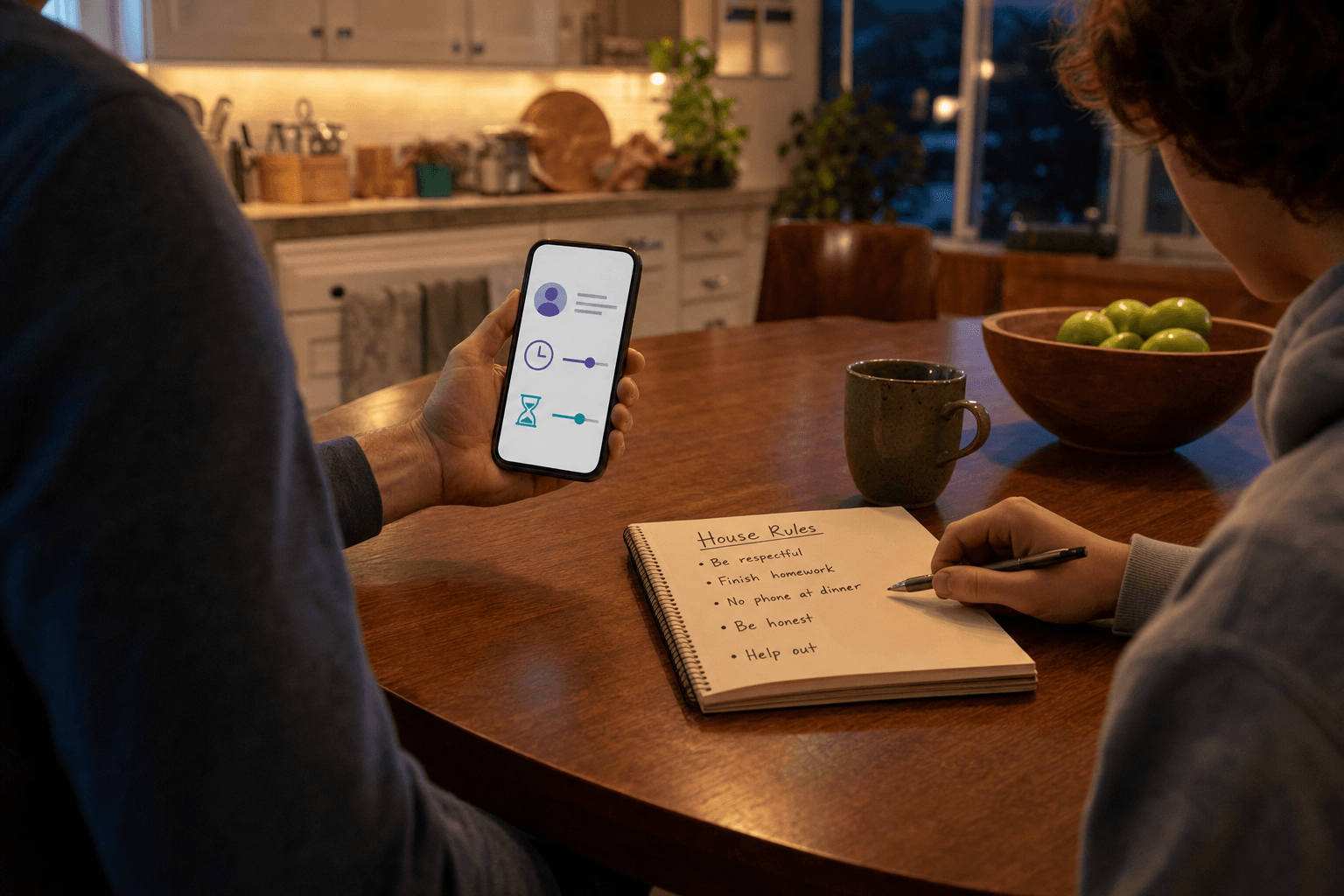
Setting up parental controls without spying on your teenager
Parental controls can help with harmful content, overspending, and screen habits. But intrusive tracking can damage trust, push secrecy, and teach teens that constant monitoring is normal. This guide shows how to choose and use privacy-respecting parental controls with clear rules, minimal data, and honest conversations.

Rolling out a password manager for a 5-person business
If five people reuse weak passwords across work accounts, one stolen login can spread fast. This guide shows a small business how to choose, roll out, and check a password manager in one afternoon, using plain steps that reduce password reuse and make MFA easier to live with.
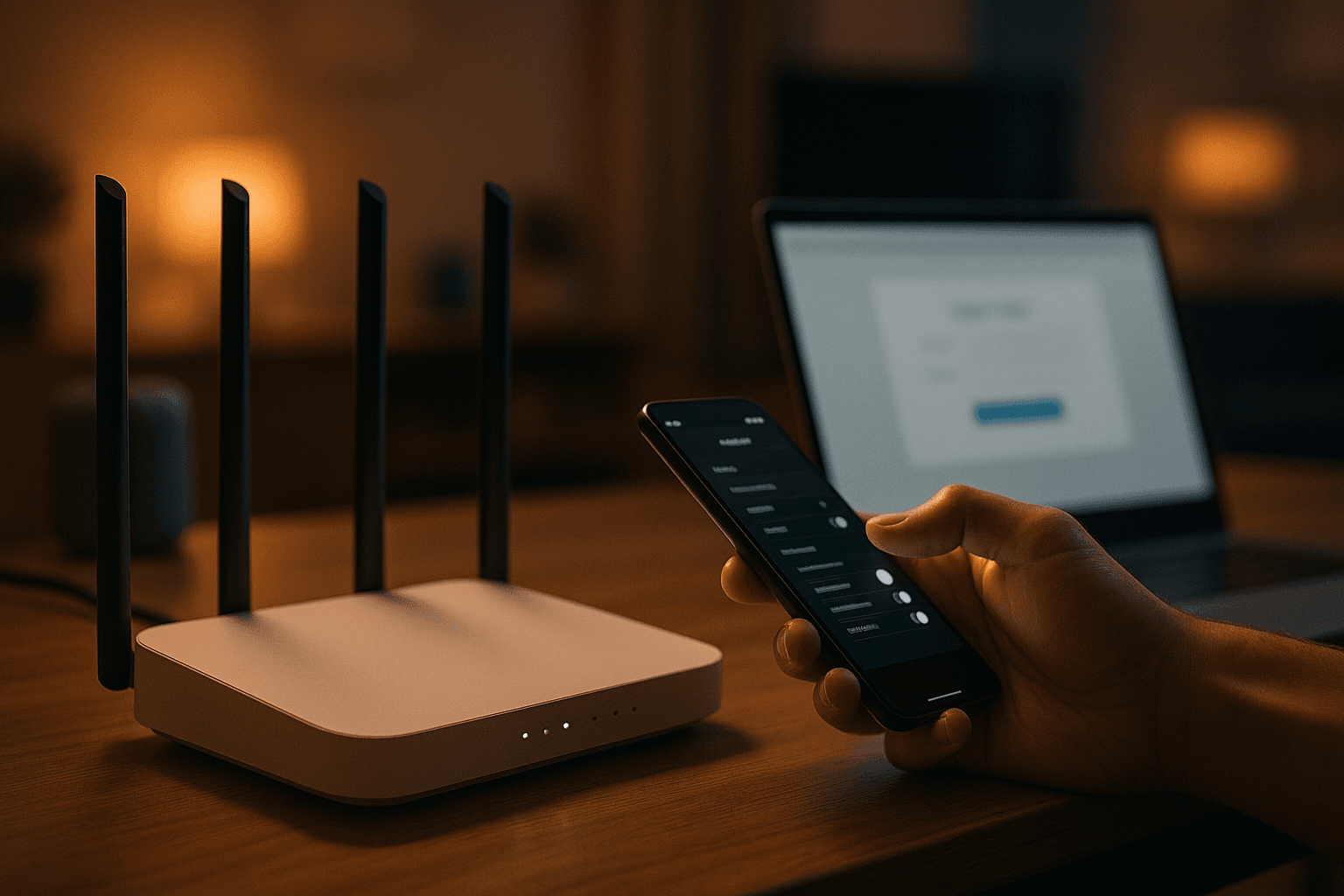
Secure your home Wi-Fi router in 20 minutes
Many home routers still keep weak default settings. In one short session, you can change the admin password, improve Wi-Fi encryption, install updates, and reduce easy ways into your home network.

Defending your small business against phishing before it costs you money
A single convincing phishing email can lead to stolen passwords, fake payment requests, or malware. This guide shows small businesses how to make phishing harder to reach staff, easier to spot, and less damaging when someone clicks.
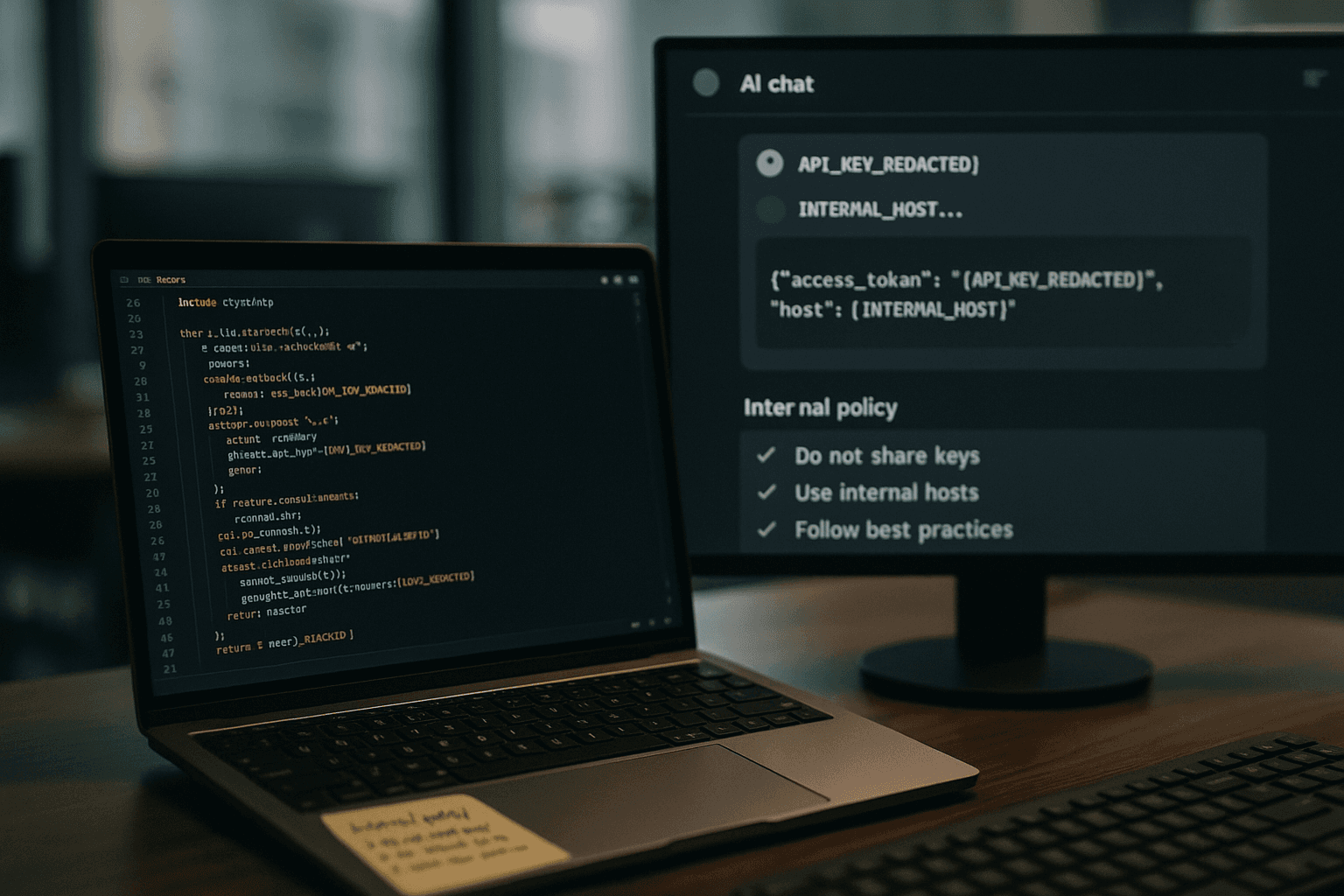
Using AI coding assistants without leaking your company's source code
AI coding assistants can speed up work, but they can also expose source code, API keys, and internal design details to third-party systems. This guide shows teams how to set clear rules, reduce what gets pasted into prompts, and verify that developers use AI help without turning private code into public risk.
Synthetic identity fraud: what it is and how to catch it early
Synthetic identity fraud mixes real and invented details to beat checks built for ordinary impersonation. Learn the attack patterns ENISA highlights, what early warning signs to watch for, and how to tighten remote identity proofing without drowning staff in process.
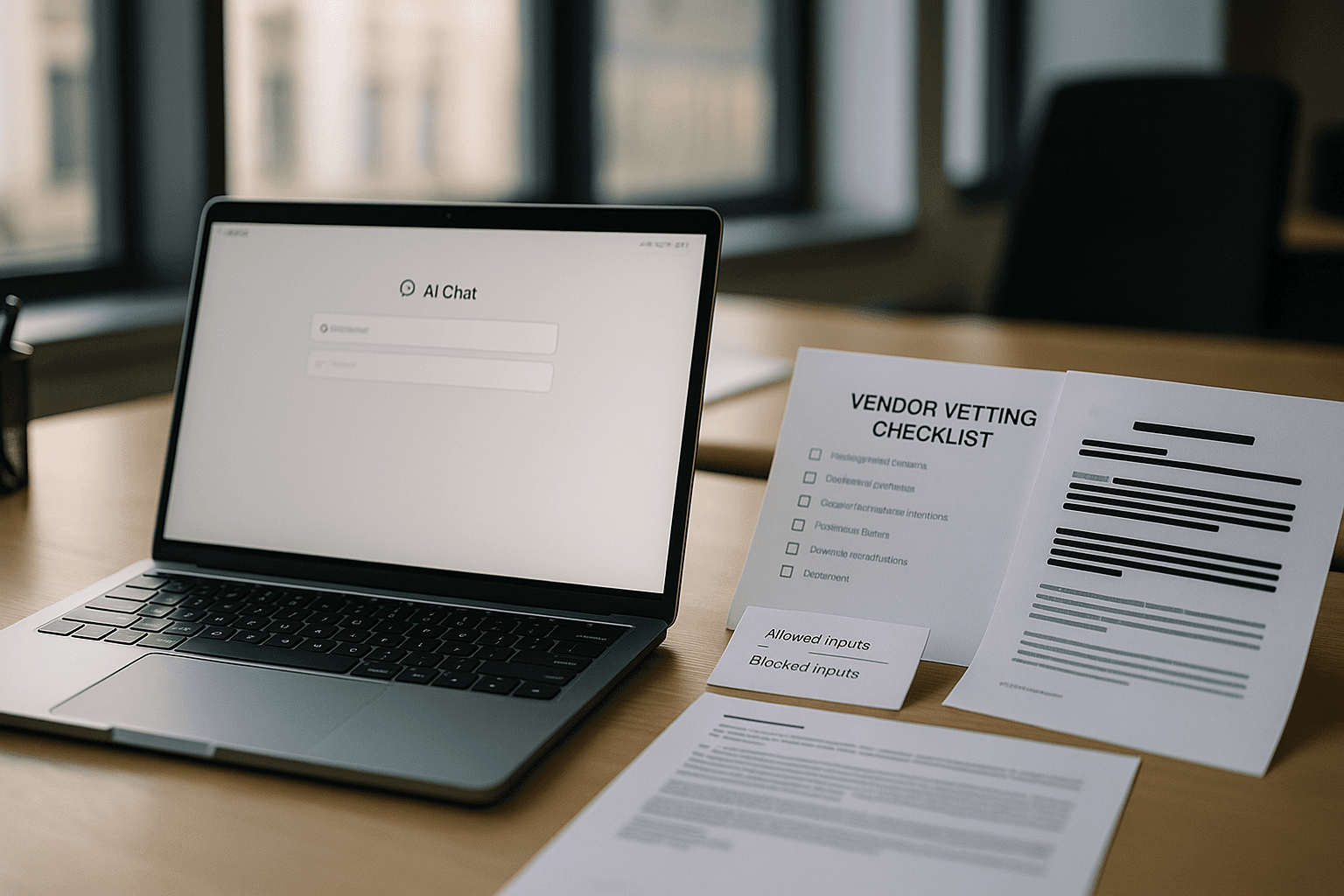
Vetting a new AI tool before your team starts using it
A new AI tool can slip into daily work faster than any other software. This guide shows small and mid-sized teams how to vet an AI tool before staff paste in customer, employee, or business data.

Spotting an AI-generated photo or video before you share it
AI-made photos and videos can look real at a glance. A short pause, a close look, and a few source checks can stop you from spreading a fake.
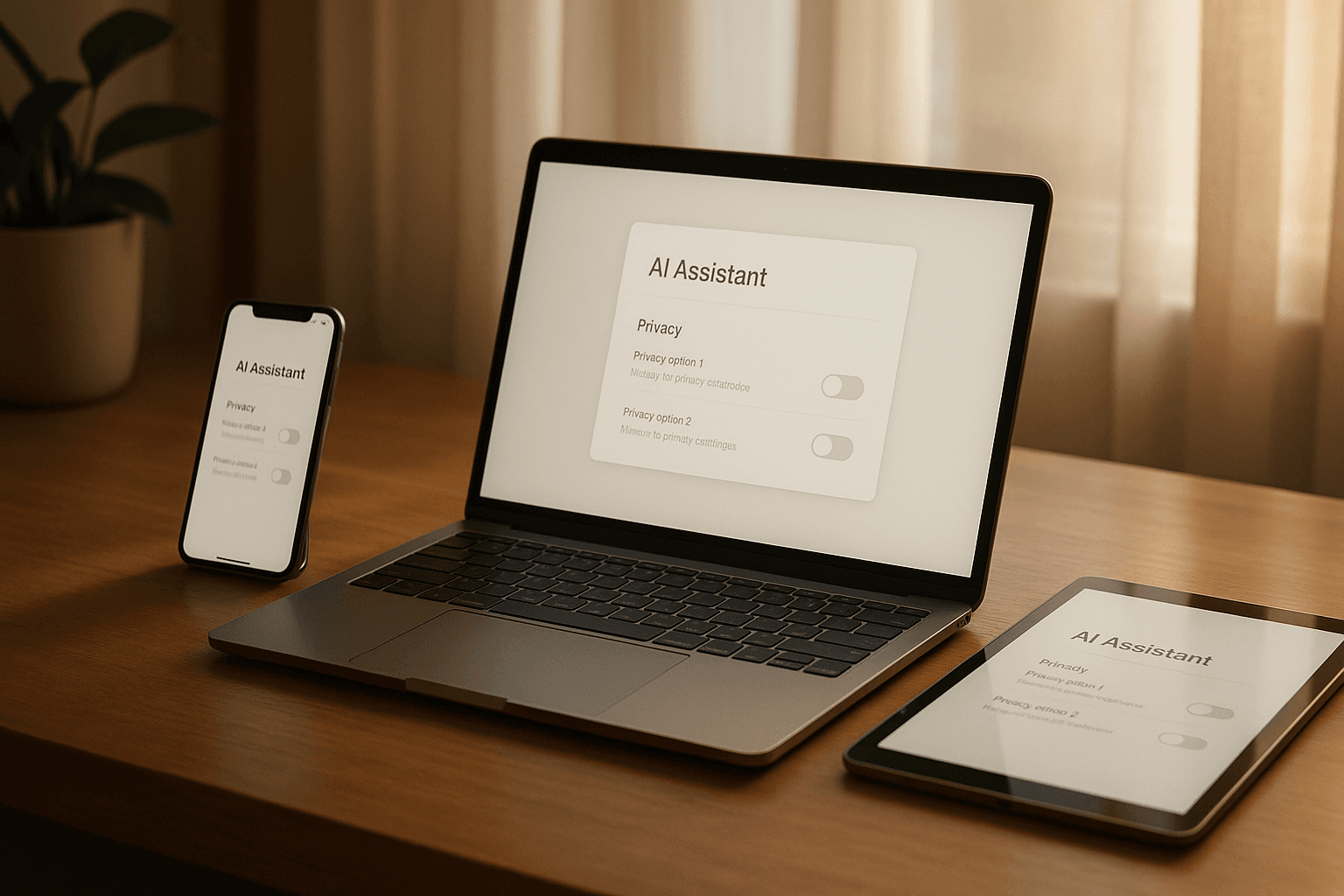
AI assistant privacy settings you should check on every device
AI assistants often save prompts, keep history, and reuse your inputs to improve models. This guide shows the key privacy settings to check on common assistants and what to do when no clear opt-out appears.
How to fact-check an AI chatbot's answer before you trust it
AI chatbots sound sure even when they are wrong. Use this simple fact-check routine to verify chatbot output before you act on it, share it, or build work decisions around it.
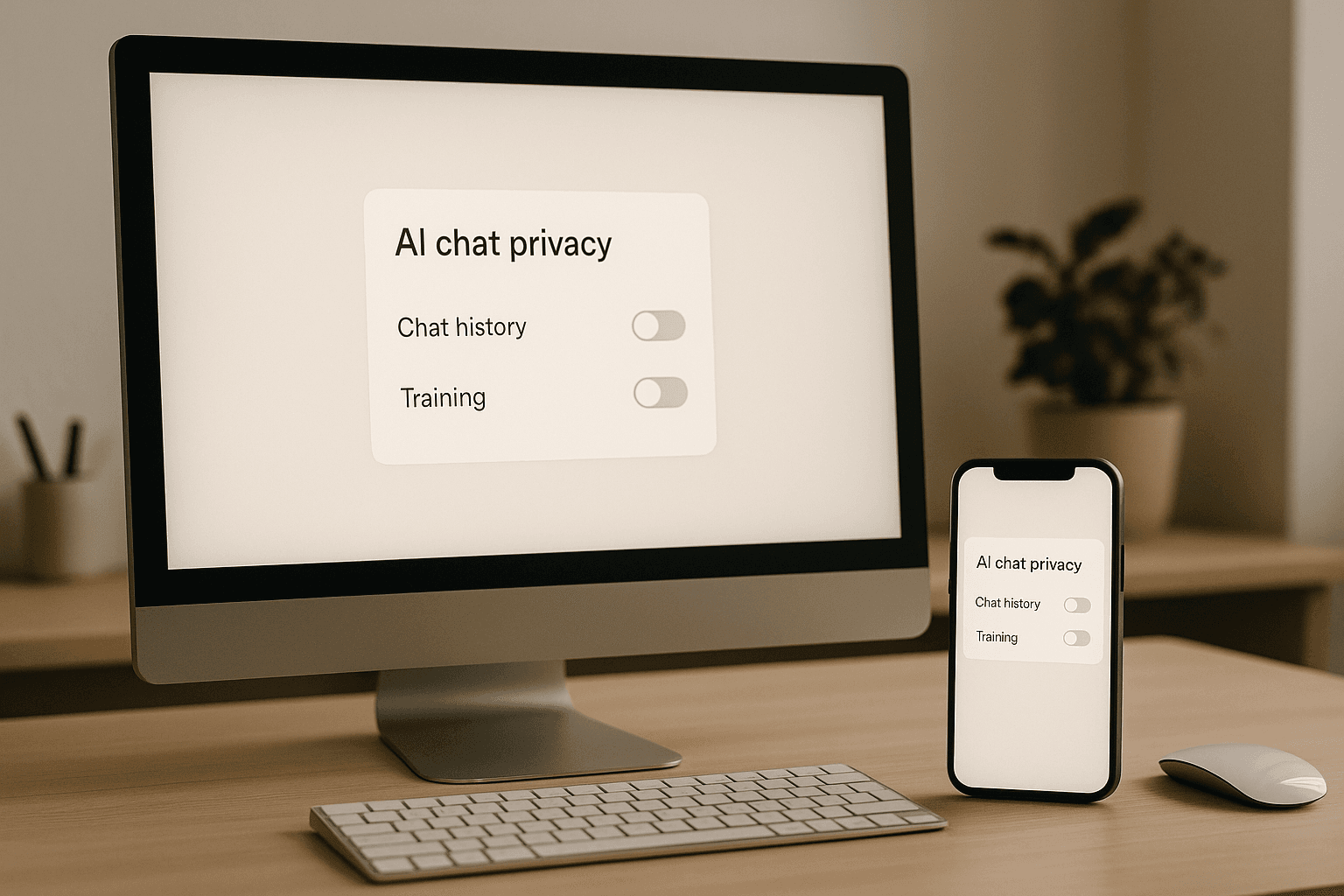
Turn off AI chat history so your prompts stop training the model
Many AI chat tools use conversations to improve their models by default. A few settings changes can stop that, reduce saved history, and cut the chance that personal data stays in places you did not expect.
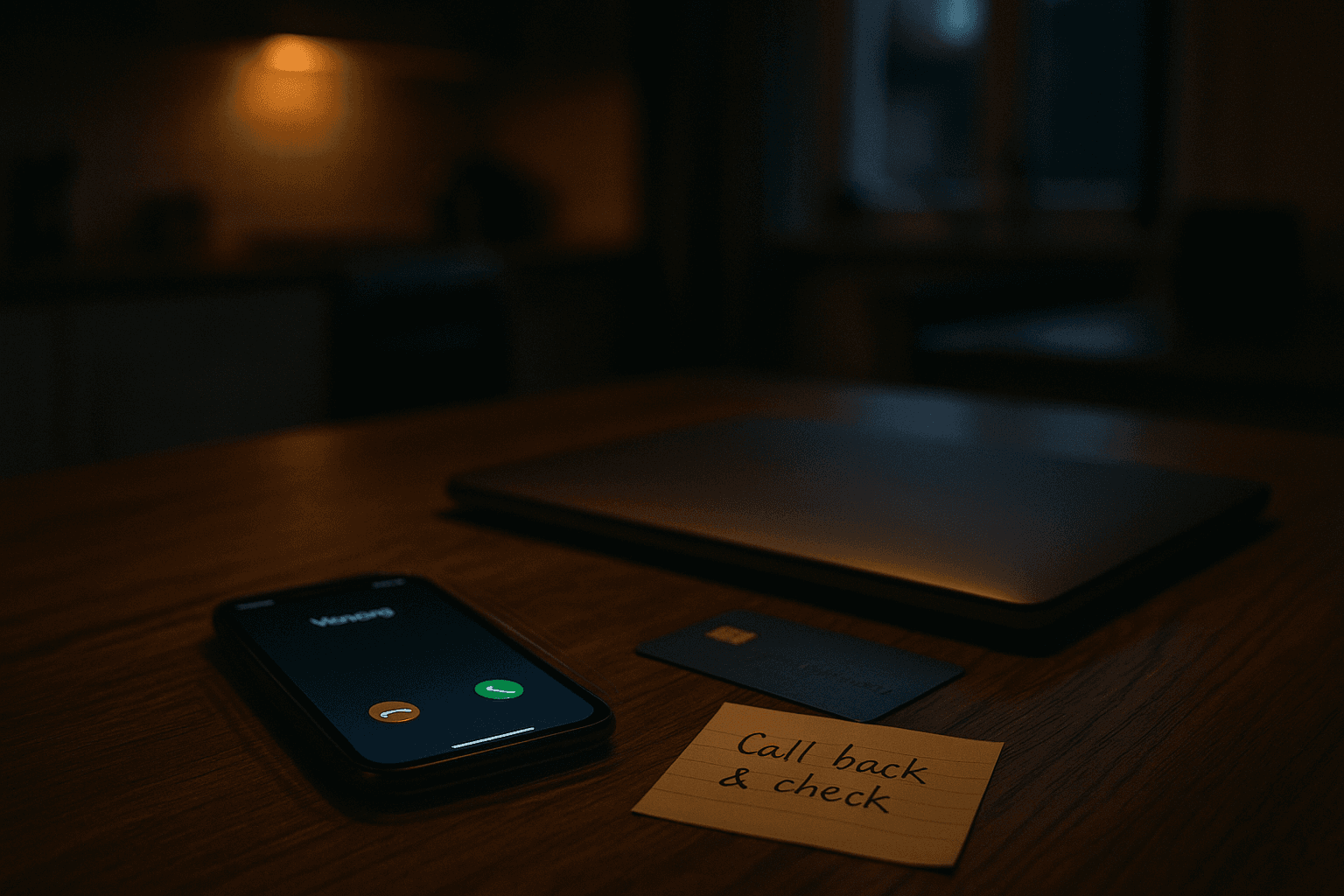
Verifying a real family emergency call before you wire money
Family emergency scams work by creating panic. If you pause, hang up, and verify the story another way, you can stop a cloned-voice fraud before you send money.