
Using AI coding assistants without leaking your company's source code
How to get help from AI tools without sending proprietary code, secrets, or internal logic somewhere it should not go
Key takeaways
- AI coding assistants can expose proprietary code, secrets, logs, and internal design details if staff paste real material into unapproved tools.
- OWASP highlights risks that fit this problem directly, including unauthorized access, data breaches, dissemination of sensitive information, and loss of competitive advantage.
- The safest habit is prompt minimisation: remove secrets, replace identifiers with placeholders, and share only the smallest useful code fragment.
- Public AI tools should be limited to non-sensitive questions unless the organisation has explicitly approved the tool and the data type.
- A short written rule, one fallback prompt, and a clear reporting route reduce rushed mistakes during day-to-day development.
Why this matters to you
Your 2-minute quick win
Open your team's coding guidelines or send a short message now. Use this exact sentence: 'Do not paste source code, secrets, tokens, keys, customer data, or internal tickets into any public AI chat or coding assistant unless the tool is company approved for that data.' Success looks simple. The rule is written down, shared, and easy to point to when someone is in a rush.
AI coding assistants are useful because they remove friction. That same speed can remove caution. A developer can paste a stack trace, a config file, or a whole function before thinking about what else sits in that text.
The risk is not only the code itself. It is also comments, file paths, secret names, internal endpoints, customer identifiers, and design choices. Even small snippets can reveal how a system works.
The OWASP Top 10 for Large Language Model Applications points to risks such as unauthorized access, data breaches, dissemination of sensitive information, and loss of competitive advantage. Those outcomes fit AI coding assistants very closely. When staff send proprietary code to an external model, they may expose exactly the material those risks depend on.
The NIST AI Risk Management Framework supports a governance-first view. In practice, that means AI use should not be treated as a private productivity trick. It needs rules, boundaries, and checks, just like any other tool that touches valuable information.
For large businesses, the danger grows with scale. One person pasting one file is bad. Hundreds of developers using several assistants across code, chat, tickets, and logs create a repeatable leak path.
Why this is different from normal code sharing
Teams already share code inside Git platforms, ticket systems, and review tools. Those systems usually sit inside known contracts, known retention rules, and known access controls. An AI assistant can add a new third party, a new storage location, or a new training pipeline that staff do not see.
That hidden step is the main awareness problem. People think they are only asking for help. In reality, they may be exporting company knowledge.
What you are protecting
The first asset is proprietary source code. That includes full files, small functions, test cases, architecture comments, and unreleased features. A short prompt can still expose business logic that competitors would value.
The second asset is secrets. Think API keys, tokens, passwords, certificates, connection strings, and signing material. If a coding assistant receives these, the exposure can move from privacy risk to direct system risk.
The third asset is internal context. Developers often paste error output, logs, dependency trees, and sample payloads. These can reveal host names, cloud resources, software versions, and trust relationships.
The fourth asset is regulated or sensitive data. A code sample may contain customer names, account numbers, or copied production records used for testing. Even if the code itself is harmless, the surrounding data may not be.
The fifth asset is your competitive edge. OWASP explicitly notes competitive advantage in its project material. Internal algorithms, pricing logic, product ideas, and automation workflows are often visible in code long before launch.
What counts as sensitive in day-to-day work
Sensitive content is not limited to files marked confidential. A prompt becomes sensitive when it includes anything an outsider should not see. That can be a private repository URL, a screenshot of a terminal, a Kubernetes manifest, an .env file, a support ticket, or a pasted diff from an unannounced product.
Developers also miss metadata. A comment like 'temporary bypass for VIP customer' can reveal more than the function below it. A path like /payments/refunds/manual_override can tell an attacker where to look next.
If you would hesitate to post it in a public forum, do not paste it into an unapproved AI tool.
What it costs you if you skip this
The first cost is loss of confidentiality. Once private code or secrets leave your controlled environment, you cannot assume you can pull them back. Deleting a local message does not prove the data never left the service.
The second cost is incident response work. Security, legal, procurement, and engineering may all need to check what was sent, by whom, and whether secrets must be rotated. A short prompt can trigger days of cross-team effort.
The third cost is rework. If a secret was exposed, teams may need to replace keys, update applications, and retest integrations. If a design was exposed, product teams may need to change roadmaps or disclosures.
The fourth cost is trust. Customers and partners expect large businesses to control where their data goes. If staff paste mixed code and data into outside tools, that expectation weakens fast.
The fifth cost is strategic loss. OWASP highlights dissemination of sensitive information and compromised decision-making. If leaders do not know what staff are sharing with AI systems, they make decisions with incomplete risk information.
Why small leaks still matter
People often defend a paste by saying it was only ten lines. Ten lines can include a bearer token, an internal host, and a function name that describes a hidden feature. Attackers and competitors do not need your whole repository if they can collect useful fragments over time.
Small leaks also normalise bad behaviour. Once the first shortcut feels safe, larger pastes follow.
Step by step
Write one approved-use rule where developers already work. Put it in your engineering handbook, secure coding standard, or repository root guidance file. Done correctly, a developer can open that page and read a plain sentence banning pasting source code, secrets, customer data, and internal records into unapproved AI tools.
Make staff separate public help from private work. Create two named categories in your policy: approved enterprise AI tools for allowed code tasks, and public AI tools for non-sensitive questions only. Done correctly, a user can tell within seconds which category a tool belongs to before they type.
Ban secrets in prompts, full stop. Name common examples in the rule: API keys, tokens, passwords, certificates, connection strings, and .env content. Done correctly, the rule is specific enough that no one can claim a token in a stack trace did not count.
Tell developers to minimise every prompt before sending it. Replace business names, customer data, host names, and internal URLs with neutral placeholders like
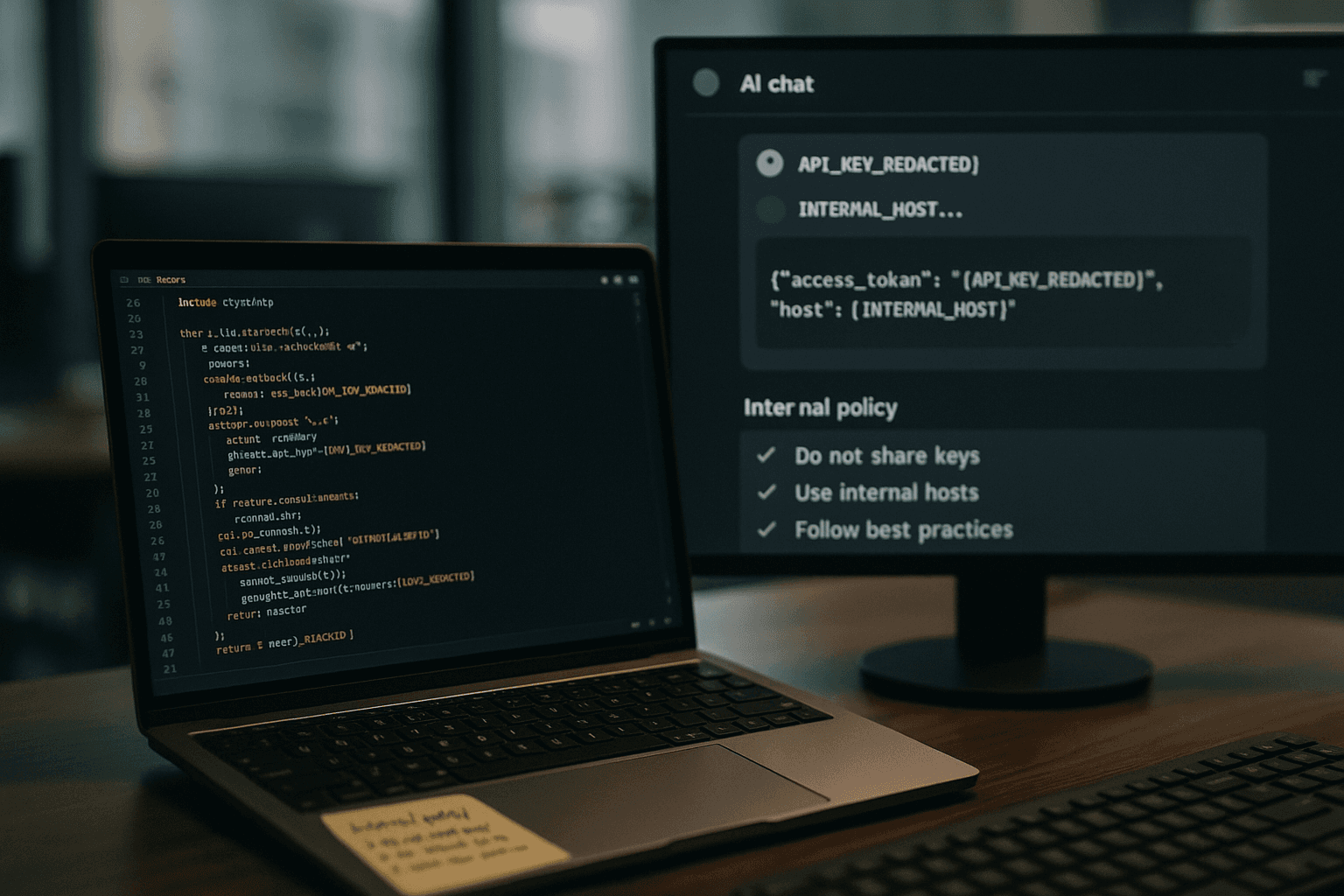
CLIENT_A,INTERNAL_HOST, andAPI_KEY_REDACTED. Done correctly, the prompt still explains the problem but no longer exposes real identifiers.Require local redaction before copy and paste. That means editing the text in the source file, scratch pad, or note first, not relying on memory while typing into a chat box. Done correctly, the final prompt contains only the smallest code fragment needed to ask the question.
Use synthetic examples for debugging patterns. Instead of pasting a production error with real values, rewrite it into a look-alike sample that keeps the structure but removes the live data. Done correctly, the assistant can still explain the bug pattern without seeing the real environment.
Keep architecture questions high level unless the tool is approved for confidential material. Ask about general design trade-offs, not your exact unreleased implementation. Done correctly, the prompt discusses patterns like caching or queue retries without naming your internal services.
Set a team rule for logs and stack traces. Before any log output goes into an assistant, remove account data, tokens, host names, and internal paths. Done correctly, the text no longer identifies a real customer, real system, or real secret.
Use repositories and ticket systems as the source of truth, not the AI chat. If code needs review, keep that review in approved engineering tools. Done correctly, the AI assistant is helper text around the work, not the place where sensitive change history accumulates.
Give developers a safe fallback sentence for blocked cases. Use: 'I cannot paste the real code. Here is a simplified version with placeholders. Explain the likely bug pattern and what to test next.' Done correctly, people still get value without crossing the line.
Define who approves new AI tools. Usually that is a mix of security, procurement, legal, and engineering leadership. Done correctly, staff know where to ask before connecting a new coding extension to a company repository.
Add AI use to onboarding and annual awareness training. Include one bad prompt and one corrected prompt. Done correctly, staff can see the difference on screen and repeat the safer pattern in real work.
Plan for mistakes before they happen. Create a short reporting route such as the security mailbox or incident channel for accidental pastes. Done correctly, staff know they should report fast, rotate secrets if needed, and stop further sharing.
What good prompt minimisation looks like
Bad prompt: a full source file, real API endpoint, and copied .env values. Better prompt: a ten-line pseudocode sample, fake endpoint names, and all secrets replaced with REDACTED. The goal is not perfect secrecy. The goal is to avoid sending real crown-jewel data when a generic example will do.
Illustrative example
Leila is a senior developer at a European retailer. She is fixing a checkout failure in a service that calls an external payment API. Her team uses an AI coding assistant for general help, but their rule says public AI tools must never receive proprietary code, secrets, or customer data.
Leila first opens the failing log in her terminal. She sees a customer email address, an internal host name, a request ID, and a token-like header value. She copies the log into a scratch note instead of pasting it straight into the assistant.
Next, she removes the customer email and swaps it for CUSTOMER_EMAIL. She changes the internal host to PAYMENT_API_HOST. She deletes the token value and writes AUTH_HEADER_REDACTED. She also removes a comment that mentioned an unreleased fraud rule.
Then she reduces the code sample. The real function is eighty lines and includes company pricing logic. She keeps only twelve lines that show the retry loop and the response parsing. She replaces the real class names with generic ones.
Her prompt says: 'I cannot paste the real code. Here is a simplified version with placeholders. Explain why a retry loop might keep failing on 429 responses and what tests I should run next.' The assistant gives a useful answer about backoff timing, idempotency, and response handling.
Leila takes that advice back to her own environment. She updates the retry delay, adds a test for repeated 429 responses, and keeps the real fix inside the approved repository and review flow. She got the help she needed without exporting private code or live secrets.
The near-miss
Now replay the same situation with one skipped check. Leila is rushed and pastes the raw stack trace and the real function into a public assistant window. On screen, the prompt includes the token-like header, the internal endpoint path, and a comment about the retailer's unreleased fraud bypass logic.
The assistant still returns a decent coding answer, so the shortcut feels harmless. But Leila has now sent sensitive information to a third-party system that was not approved for that data. Security later has to treat the token as exposed, review the prompt content, and decide whether other pasted material included regulated data. The code issue may be fixed, but the organisation now has a second problem that did not need to exist.
How to check it worked
Start with behaviour, not promises. Ask a few developers to show the last prompt they would have sent to an AI assistant, then ask them to redact it first. If they can quickly remove customer data, host names, and secrets while keeping the question useful, the rule is landing.
Check your written guidance. A good policy names forbidden content clearly, gives a safe fallback sentence, and tells staff where to report mistakes. If the document only says use AI responsibly, it is too vague to change behaviour.
Look at training examples. Staff should be able to compare an unsafe prompt with a safer version that uses placeholders and reduced code. If the examples look abstract, people will not recognise the risk in their real tools.
Test the escalation path. Ask one team lead where to report an accidental paste and what to do first. A strong answer includes stopping further sharing, reporting quickly, and rotating exposed secrets where relevant.
Review tool sprawl at a high level. You do not need deep surveillance to know whether developers are installing many ad hoc assistants. A basic approved-tools list and extension review process often show whether AI use is governed or improvised.
Test yourself
Question: Why is a small code snippet still risky?
Answer: Because even a short paste can reveal a secret, an internal path, or an unreleased feature.
Question: What should replace live secrets and identifiers in a prompt?
Answer: Neutral placeholders such as API_KEY_REDACTED and INTERNAL_HOST.
Question: Where should the real code fix live after you get AI help?
Answer: In your approved repository and review workflow, not inside the AI chat.
Common mistakes
Confusing no customer data with no risk
Teams often focus on personal data and forget intellectual property. Source code, comments, and internal architecture can still be sensitive when no customer record appears in the prompt.
Sharing logs without reading them first
Logs feel less sensitive than code, but they often contain secrets, internal paths, and identifiers. A copied stack trace can be a compact map of your environment.
Using AI as a paste bin
Some users treat the assistant as a quick place to dump a whole file and ask what is wrong. That sends far more context than the model needs. Smaller, rewritten examples are safer and usually clearer.
Letting urgency beat policy
Incidents and release pressure create the worst prompt hygiene. That is why the safe fallback sentence matters. It gives staff a fast option when they are stressed.
Assuming one approval covers every use case
A tool approved for general questions is not automatically approved for confidential code, regulated data, or secrets. Keep the allowed data types explicit.
Level up
Create a short pre-paste checklist inside your engineering workflow. Use four checks only: no secrets, no customer data, no internal identifiers that are not needed, and no more code than necessary. This is a practical next step because it turns a broad AI policy into a pause point that developers can use in under ten seconds.
If your organisation already scans projects for vulnerable dependencies, connect that process to AI use. Ask developers to use AI for explanations and draft ideas, then verify package choices and dependency risks in approved security tooling before merging code.
Checklist
- Write and publish one clear rule banning source code, secrets, customer data, and internal records in unapproved AI tools.
- Split AI tools into approved enterprise use and public non-sensitive use only.
- Replace live identifiers with placeholders such as CLIENT_A, INTERNAL_HOST, and API_KEY_REDACTED before any prompt is sent.
- Reduce code samples to the smallest fragment needed to ask the question.
- Remove customer data, tokens, host names, and internal paths from logs and stack traces.
- Keep real fixes and reviews inside approved repositories and ticket workflows.
- Create a fast reporting path for accidental pastes so secrets can be rotated quickly if needed.
Frequently asked questions
Can developers use AI coding assistants at all?
Yes, but they should use them within clear boundaries. Keep public tools for non-sensitive questions unless a company-approved tool is allowed to handle confidential code or related data.
Is a short code snippet safe to paste?
Not automatically. A short snippet can still reveal proprietary logic, an internal endpoint, a token, or comments about unreleased features.
What should a developer do after accidentally pasting a secret into an AI tool?
Stop sharing more material, report it through the team's security or incident route, and treat the secret as exposed so the organisation can decide on rotation and follow-up.
Are logs less sensitive than source code?
Often no. Logs and stack traces can include account data, tokens, host names, software details, and internal paths that help an attacker or expose private operations.
Sources
- OWASP Top 10 for Large Language Model Applications — OWASP Foundation
- NIST AI Risk Management Framework — NIST
Stay Updated
Subscribe to our newsletter for the latest cybersecurity insights, threat intelligence, and security best practices.